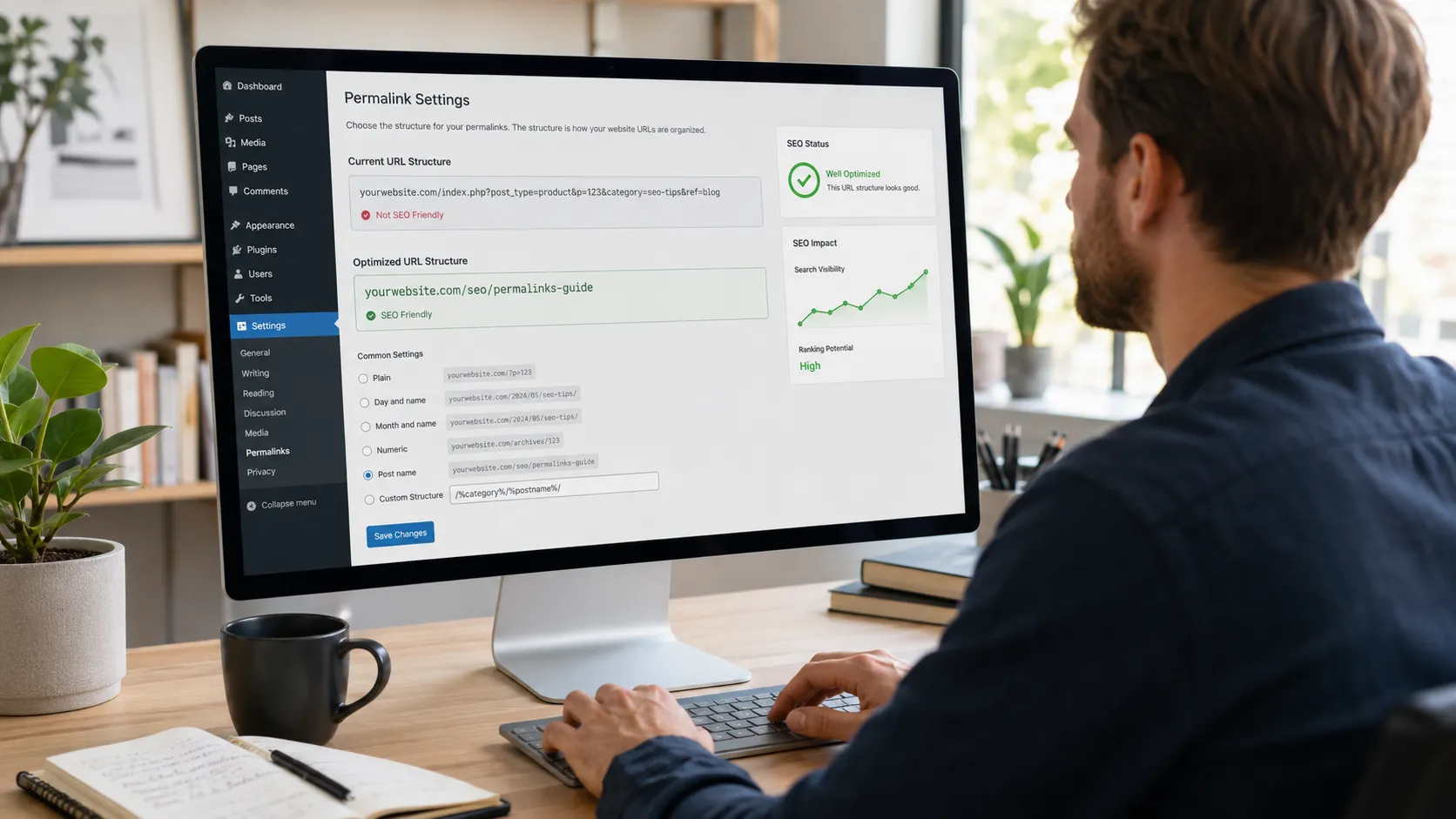

A website audit is a comprehensive evaluation of your site’s health across technical performance, SEO, content, and user experience. If your website is live but not generating the traffic, leads, or rankings you expect, an audit is the starting point for finding out why. Most website problems are invisible from the front end. Slow load times, broken links, indexing errors, and missing metadata are common issues that go undetected for months and directly impact your rankings and lead generation.
If you have not had a website audit in the past year, there is a good chance your site has issues you are not aware of. A website audit gives you the clarity to address them before they cause further damage to your search visibility and conversions.
What Is a Website Audit?
A website audit is a systematic examination of every element of your site that affects its ability to be found, used, and trusted. It goes far deeper than a visual check of how things look. A thorough audit evaluates how search engines crawl and index your pages, how fast your site loads, whether your content is optimized and relevant, and whether visitors can actually find what they need when they arrive. The result is a clear picture of what is working and what needs to change. If you would rather have experts run the review instead, we offer full website checks.
What Does a Website Audit Cover?
A website audit is not a single check. It is a layered evaluation of several interconnected areas. Each one can affect your site’s performance in a different way, and a problem in one area often compounds issues in another.
Here is what each audit type covers:
| Audit Type | What It Checks | Why It Matters |
|---|---|---|
| Technical SEO | Crawlability, broken links, redirects, sitemaps, HTTPS, schema markup | If Google cannot access your site, nothing else works |
| On-Page SEO | Title tags, meta descriptions, headings, keywords, URL structure, internal links | Tells search engines what your pages are about and how to rank them |
| Performance and Speed | Page load times, Core Web Vitals, image optimization, and mobile speed | Slow pages lose visitors and rankings simultaneously |
| Content | Relevance, accuracy, keyword gaps, thin or duplicate pages, competitor content gaps | Weak content drags down rankings even on a technically healthy site |
| Off-Page SEO | Backlink profile, toxic links, domain authority, competitor link gaps | Low-quality or missing backlinks limit how much authority your site can build |
| User Experience | Navigation, CTAs, mobile usability, form functionality, conversion flow | A site that frustrates visitors will not convert them into leads |
| Security | SSL certificate, HTTPS enforcement, malware, outdated plugins | Security issues harm rankings, erode user trust, and can get your site flagged by Google |
Below is a detailed breakdown of what each audit type examines and what it uncovers:
1-Technical SEO Audit
A technical SEO audit examines the foundational structure that determines whether search engines can properly access and index your site.
This includes:
- Crawlability and indexing errors
- Broken links and redirect issues
- XML sitemap health
- HTTPS enforcement and SSL certificate status
- Duplicate content and canonical tags
- Structured data and schema markup
Schema markup helps Google display rich results such as star ratings, FAQs, and business information directly in search. If it is missing or broken, you are leaving visibility on the table. If Google cannot properly crawl your site, none of your other SEO efforts will deliver results. An audit often reveals why your site is not winning clients, which we break down here.
2- On-Page SEO Audit
An on-page SEO audit reviews the elements on each page that signal relevance to search engines. This covers title tags, meta descriptions, heading structure, keyword usage, URL structure, image alt text, and internal linking.
These are the factors that determine what your pages rank for and how they appear in search results. Poorly structured URLs, missing alt text, and weak meta descriptions are among the most common and easily fixed issues an on-page audit surfaces.
3- Performance and Speed Audit
A performance audit measures how quickly your site loads across devices and identifies what is slowing it down. Page speed is a confirmed Google ranking factor, as 53% of mobile visitors abandon a website if it takes more than three seconds to load. Every additional second of delay increases the chance of a bounce by up to 32%.
This audit covers Core Web Vitals scores, image file sizes, server response times, and whether your site performs consistently on both desktop and mobile.
4- Content Audit
A content audit evaluates the quality, relevance, and SEO alignment of every page on your site. It identifies outdated information, thin pages with little substance, keyword gaps, and content that is either duplicated or no longer serving your audience.
It also examines where competitors are ranking for topics you are not covering, revealing content opportunities that could be driving traffic to your site instead of theirs. Outdated or weak content can actively drag down your rankings even when your technical setup is solid.
5- Off-Page SEO Audit
An off-page SEO audit examines your site’s authority as seen from outside your domain. This means your backlink profile, covering the quality, quantity, and relevance of other websites linking to yours. It also evaluates your overall domain authority and how it compares to competitors.
A strong backlink profile signals trust to search engines. A weak or toxic one can actively suppress your rankings. This audit also benchmarks your link profile against competitors to identify gaps and opportunities.
6- User Experience Audit
A user experience audit evaluates your site from the visitor’s perspective. It covers navigation clarity, mobile usability, call to action placement, form functionality, and conversion flow. A technically healthy website that frustrates users or fails to guide them toward an action will not deliver the results your business needs.
7- Security Audit
A security audit checks that your site is protected against vulnerabilities that harm both users and rankings. This includes verifying your SSL certificate, HTTPS enforcement, plugin and theme updates, and any signs of malware. Google flags insecure sites with a “Not Secure” browser warning, which erodes trust and can result in ranking demotion. For a quick starting point, run your site through our free website analyzer.
Signs Your Website Needs an Audit
You do not need a dramatic traffic crash to justify a website audit. Most issues develop gradually and stay invisible until they have already done damage. Run through the checklist below. If any of these apply to your site, an audit is worth doing sooner rather than later.
Check any that apply:
- My organic traffic has dropped with no obvious explanation
- My site does not show up when I search for my own services locally
- Pages load slowly, especially on a phone
- I have not reviewed or updated my site in over a year
- I recently redesigned or moved my website to a new platform
- I am not sure if my contact form is actually delivering messages
- A competitor consistently ranks above me for terms I should own
Each of these is a recognized signal that something in your site’s technical, content, performance, or local SEO health needs attention. If you checked more than one, there is a good chance those issues are connected. Over 60% of global web traffic now comes from mobile devices, so if your site underperforms on mobile, you are losing a significant portion of your potential visitors before they even reach you.
How Often Should You Audit Your Website?
A full website audit twice a year is the recommended standard for most businesses. This is frequent enough to catch issues before they cause lasting damage, and practical enough to fit within a typical marketing schedule. Between full audits, a lighter monthly check of core metrics, including traffic, rankings, form functionality, and page speed, is a good habit.
The General Rule for Most Websites
The right frequency depends on how active your site is. A five-page brochure site with no blog needs less frequent attention than a site regularly publishing content, running promotions, or processing leads through multiple forms. The more your site changes, the more often it should be checked.
When to Run an Immediate Audit?
Some situations call for an audit regardless of your regular schedule:
- Immediately after a website redesign or platform migration
- Following a significant and unexplained drop in traffic or rankings
- After a major Google algorithm update
- When adding new functionality, such as a booking system or e-commerce features
- If a customer reports that they cannot complete a form or find key information
The Bottom Line
A website audit gives you a clear, evidence-based picture of how your site is actually performing across SEO, speed, content, and user experience. Problems that have been silently affecting your rankings, slowing your load times, or preventing visitors from converting rarely announce themselves. A regular audit is one of the most practical steps you can take to improve search visibility, strengthen user experience, and make your site a more effective business tool.
If you are not sure how your site is performing or want a professional eye on what could be holding it back, H Grant Designs offers thorough website audits for businesses across New Jersey and beyond. Reach out today and let us take a look.
FAQs
Do I Need a Website Audit?
If your site is not generating the traffic or leads you expect, yes. Most website problems are invisible without a diagnostic. An audit tells you exactly what is holding your site back and gives you a clear path forward.
Is a Website Audit the Same as an SEO Audit?
Not exactly. An SEO audit focuses specifically on factors affecting search rankings. A website audit is broader, covering technical health, page speed, content quality, and user experience alongside SEO. SEO is one component of a full website audit.
How Long Does a Website Audit Take?
It depends on site size. A small business website of five to twenty pages can typically be audited in a few days. Larger sites with extensive content or complex functionality may take one to two weeks for a thorough review.
How Much Does a Website Audit Cost?
Cost varies by scope and provider. Basic audits using free tools can surface common issues at no cost. A professional audit with a detailed action plan typically ranges from a few hundred to a few thousand dollars, depending on site size and depth of analysis.
Can I Audit My Own Website?
You can surface some issues using free tools like Google Search Console and PageSpeed Insights. However, a DIY audit has limits. It can flag that something is wrong without explaining why, how serious it is, or how to fix it. A professional audit provides context, prioritization, and an actionable plan.
How Do I Know if My Website Has SEO Issues?
Key indicators include declining organic traffic, pages not appearing in search results, slow load times, and a high bounce rate. Google Search Console is a free starting point for identifying crawl errors, indexing issues, and keyword performance gaps.