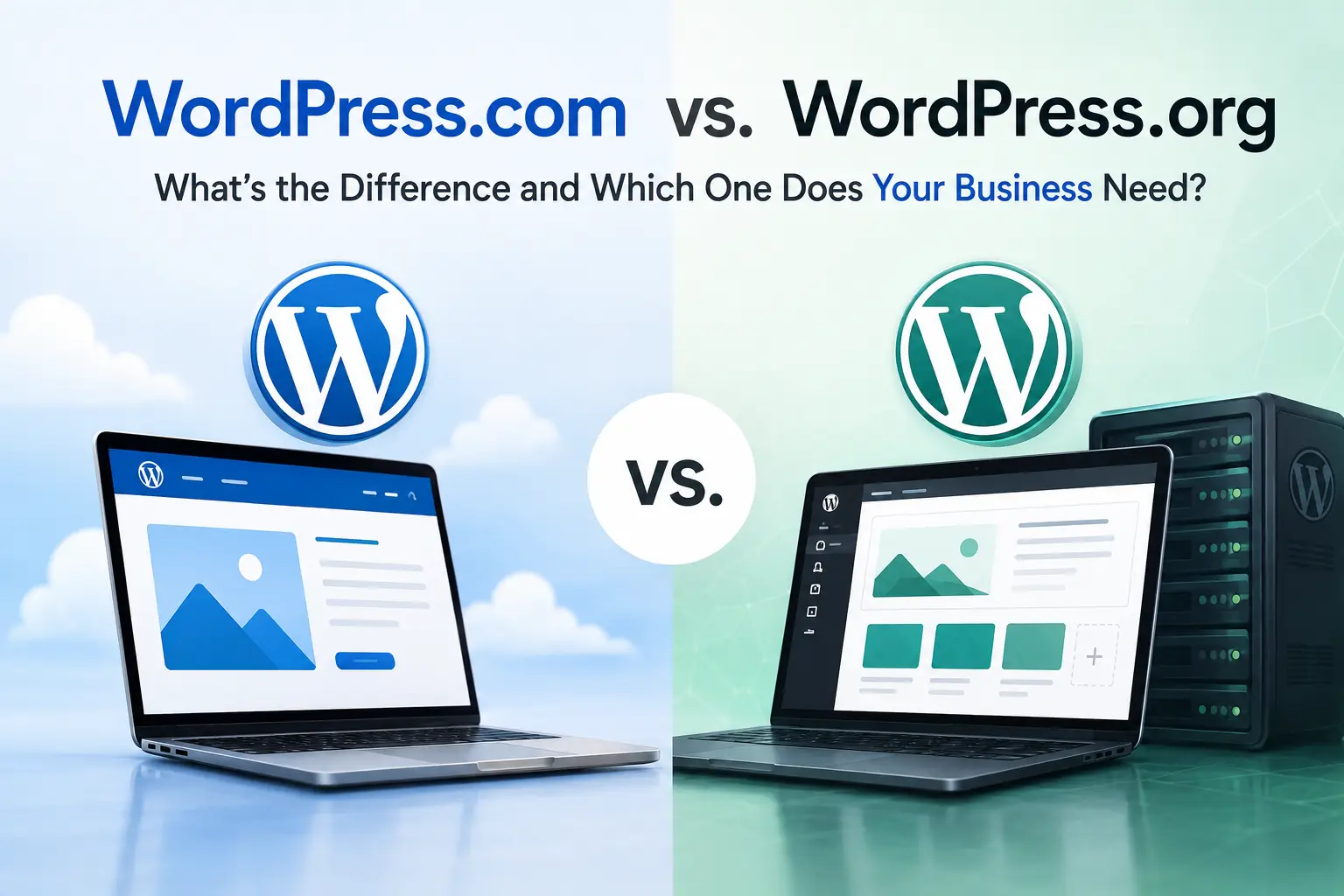
If you have ever searched “how to build a website on WordPress,” you have likely landed on both WordPress.com and WordPress.org without knowing they are two completely different things. WordPress.com is a hosted service ,you sign up, pick a plan, and your site is live. WordPress.org is free software you download and install on your own web hosting. Same name, two very different products. Most businesses that want full control, better SEO, and the freedom to grow without paying for plan upgrades will be better served by WordPress.org. WordPress.com suits personal blogs, simple pages, and anyone who wants a site up fast with no technical setup involved.
Key Takeaways
- WordPress.com and WordPress.org run on the same core software but are fundamentally different products built for different users.
- WordPress.com handles hosting, security, and updates for you but limits what you can build without upgrading to higher-paid plans.
- WordPress.org is free software you install on your own hosting, giving you full control over plugins, themes, data, and monetization.
- For most businesses, WordPress.org is the stronger long-term choice because of its flexibility, ownership, and lower total cost.
- WordPress.com makes sense for simple informational sites, personal blogs, and developers managing client sites on Business plans.
- eCommerce, SEO-focused sites, and membership platforms almost always perform better on WordPress.org.
- Migrating from WordPress.com to WordPress.org is possible at any stage, but setting up correctly from the start saves time and money.
Same Name, Two Different Things
Both platforms were born from the same project. WordPress.org is the official home of the open-source WordPress CMS, first released on May 27, 2003 by Matt Mullenweg and Mike Little. It hosts the software downloads, the plugin and theme directories, and developer documentation. WordPress.com is a commercial hosting product built and operated by Automatic, a company co-founded by Mullenweg. It uses the WordPress software under the hood but wraps it in a managed environment.
As of 2026, WordPress powers roughly 42% of all websites on the internet, according to W3Techs — a commanding lead that no other CMS comes close to matching. That total reflects both platforms combined, since they share the same core software. The confusion between the two is so common it has its own corner of the internet, and choosing the wrong one has real consequences for businesses. Whichever version you pick, here are the advantages of a WordPress site.
A Side-by-Side Comparison at a Glance
| Feature | WordPress.com | WordPress.org |
|---|---|---|
| Hosting | Included | You purchase separately |
| Starting cost | Free (limited) | ~$3-$10/mo hosting + domain |
| Custom domain | Paid plans only | Full control from day one |
| Plugin access | Business plan and above | 59,000+ plugins, no restrictions |
| Theme options | Curated selection | Unlimited |
| Monetization | Restricted on free/low plans | Fully open |
| Data ownership | Automattic’s servers | You own everything |
| Site maintenance | Handled by platform | Your responsibility |
| Full SEO control | Basic tools | Complete control |
| eCommerce | Commerce plan ($70/mo) required | WooCommerce installs free |
What WordPress.com Actually Gives You
WordPress.com removes every technical obstacle between you and a live website. There is no server to configure, no hosting account to set up, and no WordPress installation to manage. Automattic handles security patches, software updates, and uptime. For someone who wants a site running in an afternoon without touching a server, it delivers exactly that.
Pricing runs from a free tier up to Business ($40/mo) and Commerce ($70/mo) plans, with a VIP tier starting at $25,000/mo for enterprise needs. The free plan puts WordPress.com ads on your site and gives you a subdomain like yourbusiness.wordpress.com instead of a custom URL. Plugin installation is locked behind the Business plan. On Personal and Premium plans, the tools available are limited enough that most business use cases cannot be fully met.
What you get on WordPress.com:
- Managed hosting with automatic updates and backups
- Built-in blogging tools and a social sharing community
- Real-time backups and SFTP access on Business plans and above
- A curated theme selection with a visual editor
- Developer tools including WP-CLI and GitHub Deployments at higher tiers
What you give up on lower plans:
- No custom domain without paying
- No plugin installation below the Business plan
- WordPress.com ads displayed on free sites
- Limited theme customization below Business level
- Platform terms of service govern what you can publish
What WordPress.org Actually Gives You
WordPress.org is the software itself, available at no cost. You download it, pair it with a hosting provider, and build whatever you need. The trade-off for that freedom is responsibility. You manage updates, handle backups, and set up security. For businesses, that trade-off consistently pays off.
As Steve Jobs once said, “Design is not just what it looks like and feels like. Design is how it works.” The same logic applies to platforms. WordPress.org works the way businesses need it to, without artificial walls on what you can build.
The plugin ecosystem alone makes the case. WordPress.org gives you access to over 59,000 free plugins covering SEO, eCommerce, CRM integration, membership management, booking systems, analytics, and nearly any other business function you can name. Themes are unlimited. Code can be modified. Any third-party tool can be connected.
What you are responsible for on WordPress.org:
- Purchasing hosting ($3-$10/mo starting cost) and a domain (~$15/yr)
- Installing WordPress (most hosts offer one-click installation)
- Running updates for WordPress core, themes, and plugins
- Setting up security plugins like Wordfence
- Managing backups with tools like UpdraftPlus
The total annual cost in year one typically runs between $75 and $150 for a straightforward business site, compared to $480/yr for the WordPress.com Business plan.
WordPress.com vs WordPress.org: Key Differences
Cost
The free WordPress.com plan looks attractive until you realize it cannot support a real business website. Meaningful business features start at the Business plan ($40/mo), which adds up to $480/yr. WordPress.org requires you to pay for hosting ($3-$10/mo) and a domain (~$15/yr), bringing your year-one total to roughly $75-$150. Both platforms reach a similar feature level, but WordPress.org gets there at a fraction of the cost. The cost gap only narrows at the WordPress.com VIP tier, which starts at $25,000/mo and targets large enterprise sites. Whichever platform you pick, the team at hgrantdesigns.com can build and manage it for you.
Plugin and Theme Access
A plugin is how WordPress gains new capabilities — SEO tools, contact forms, booking systems, payment gateways, and hundreds of other functions. On WordPress.com, plugin installation is locked behind the Business plan at $40/mo. On WordPress.org, all 59,000+ plugins in the official directory are available from day one at no extra cost. Yoast SEO, WooCommerce, Elementor, and WPForms all install in seconds for free. Theme access follows the same pattern — WordPress.com limits customization on lower plans while WordPress.org lets you install, edit, and fully modify any theme from any source.
SEO Capabilities
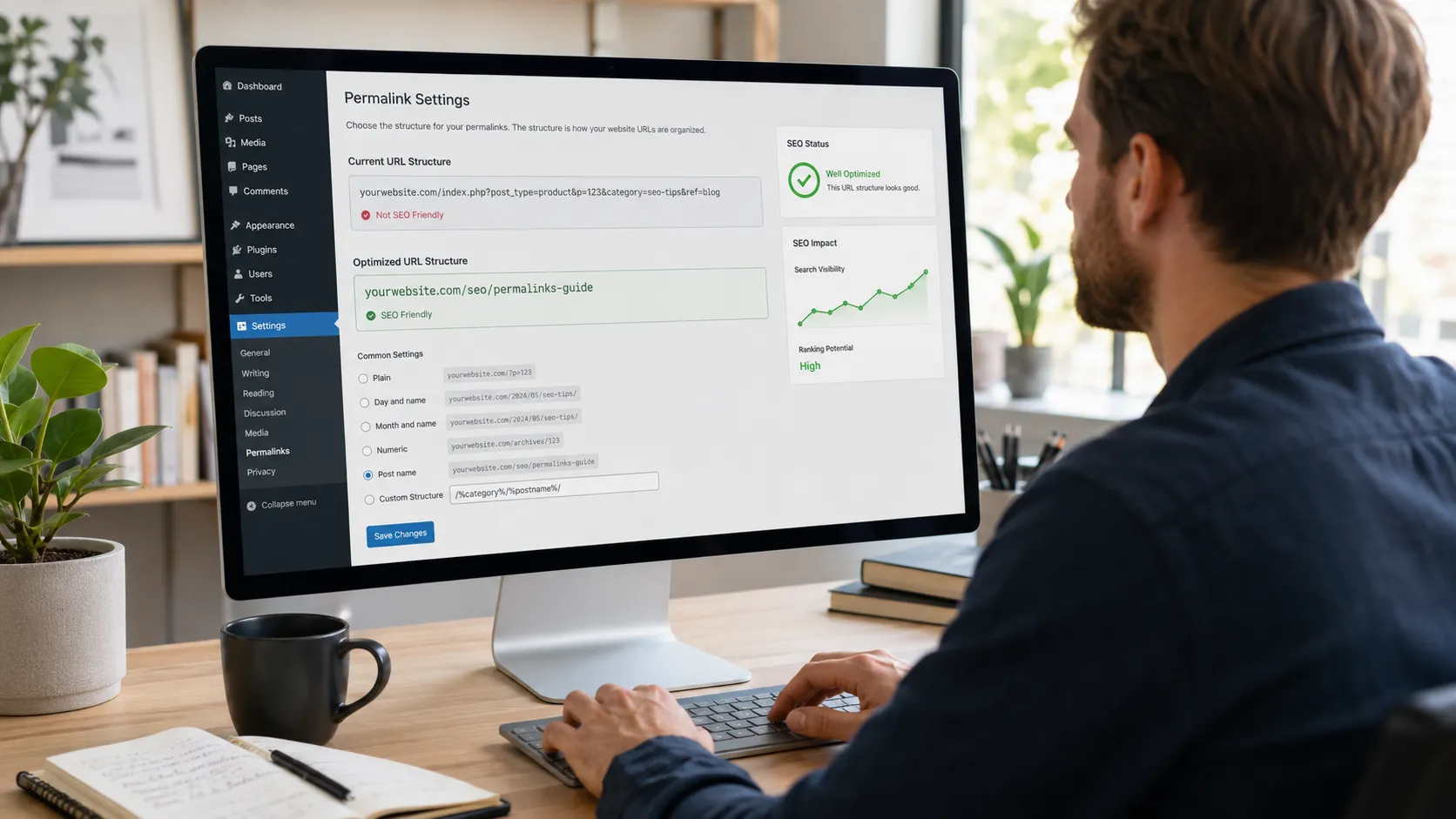
WordPress.com includes basic permalink customization, meta tags, and XML sitemaps. Google Analytics is only available on eligible plans. WordPress.org gives you full technical SEO control — you choose a fast hosting provider, install plugins like Yoast SEO or RankMath, and optimize every element of your site including schema markup, breadcrumbs, and Core Web Vitals. A 2023 study published in the Journal of Theoretical and Applied Electronic Commerce Research found that page load time and technical site health consistently ranked among the top factors influencing organic search performance for small business websites. WordPress.org gives businesses direct control over both.
eCommerce
Running a store on WordPress.com requires the Commerce plan at $70/mo ($840/yr) before any transaction fees. WordPress.org runs WooCommerce as a free plugin from day one. According to StoreLeads data from Q1 2026, there are over 4.5 million live WooCommerce stores globally, and the platform holds approximately 33% of the global eCommerce market by store count. On WordPress.org, WooCommerce supports:
- Physical and digital product sales
- Subscription and recurring billing setups
- Booking and appointment systems
- B2B ordering workflows
- Custom payment gateways and shipping calculators
- Integration with ERPs and CRM platforms
Data Ownership and Security
On WordPress.com, your website lives on Automattic’s servers under Automattic’s terms of service. If your content violates those terms, your site can be suspended. For businesses that depend on their website as a primary revenue channel, that dependency is a real risk. On WordPress.org, your data lives on hosting you control — you can back it up, migrate it to any host, and operate it under your own policies. No third party can take your site down for ToS violations you did not anticipate. WordPress.com handles security automatically; WordPress.org requires plugins like Wordfence and UpdraftPlus, but the setup effort is low once done.
Migrating from WordPress.com to WordPress.org
Many site owners start on WordPress.com, hit its limitations within six to twelve months, and then need to move. The migration is possible and reasonably straightforward, but it takes time and carries some risk of data loss if not done carefully.
The basic migration process:
- Export your content from WordPress.com using the built-in export tool (Tools > Export)
- Set up a hosting account and install WordPress.org
- Import your content using the WordPress importer plugin
- Recreate your theme configuration and install needed plugins
- Transfer your domain or update DNS settings
- Set up 301 redirects to preserve any SEO equity
Always register your domain separately from your hosting provider. This keeps migration options open and gives you full control if you ever need to switch hosts. The All-in-One WP Migration plugin simplifies the content transfer step considerably. Once your site is live, our management service keeps it running.
Which One Does Your Business Actually Need
The decision comes down to how much control and scalability your business requires against how much technical responsibility you are willing to take on.
Choose WordPress.com if:
- Your site is a simple blog, portfolio, landing page, or information site with minimal features
- You want zero involvement in hosting, updates, and backups
- You are a developer building and managing client sites at Business plan or above
- Budget is under $10/mo and plugin access is not needed
Choose WordPress.org if:
- You need full control over SEO, plugins, themes, and site code
- Your site involves eCommerce, memberships, booking systems, or lead capture
- You plan to grow the site and need scalability without plan upgrade fees
- Long-term cost efficiency matters
- You want to own your data completely with no platform dependency
For the vast majority of businesses, WordPress.org is the right foundation. The initial setup takes a few more steps than WordPress.com, but the flexibility, cost savings, and ownership it provides make it the professional standard for a reason.
Frequently Asked Questions
Is WordPress.com free?
WordPress.com does offer a free plan, but it comes with significant limitations. Your site will carry a wordpress.com subdomain, display ads from Automattic, and have no access to third-party plugins. Most businesses find the free plan unusable for professional purposes. Meaningful functionality starts at the Business plan ($40/mo).
Can I use my own domain on WordPress.com?
A custom domain requires at least a paid plan on WordPress.com. The free tier gives you a subdomain in the format yourname.wordpress.com. Starting with the Personal plan, you can connect a custom domain you own separately.
Do I need coding skills to use WordPress.org?
No coding knowledge is required to run a WordPress.org site. Most reputable hosting providers offer one-click WordPress installation. Page builders like Elementor and visual editors make designing a site accessible to non-technical users. Basic familiarity with the WordPress dashboard helps, but it is learnable within a few hours.
Which is better for SEO, WordPress.com or WordPress.org?
WordPress.org is the stronger platform for SEO. It gives you full access to advanced SEO plugins like Yoast SEO and RankMath, lets you choose a fast hosting environment that affects Core Web Vitals scores, and allows complete technical optimization of your site’s code and structure. WordPress.com provides basic SEO tools but restricts the deeper optimizations that competitive business sites require.
Can I move my site from WordPress.com to WordPress.org later?
Yes, migration is possible at any point. WordPress.com has a native export tool that outputs your posts, pages, and media. You then import that content into a new WordPress.org installation. The process preserves most content but requires reconfiguring themes, plugins, and design settings from scratch. Starting on WordPress.org from the beginning avoids this rework entirely.
Is WordPress.org really free?
The software itself is completely free to download and use. You pay for hosting (typically $3-$10/mo for shared hosting) and a domain name (roughly $10-$15/yr). Premium themes and plugins are optional paid additions. A well-functioning business site on WordPress.org can run for under $150 in year one.
Which WordPress is better for small businesses?
WordPress.org is the better choice for nearly all small businesses that plan to grow, sell products, generate leads, build an email list, rank in search results, or run any kind of marketing campaign. WordPress.com is appropriate for very simple sites that function primarily as online brochures with no need for plugins or advanced customization.
What happens to my WordPress.com site if I stop paying?
If you downgrade from a paid plan to the free tier, your custom domain will be disconnected and your site will revert to a wordpress.com subdomain. Any features tied to your paid plan, including plugins, premium themes, and expanded storage, will be removed. Your content is retained on the free plan, but the site becomes significantly limited in functionality.